suiss/ui · Chart
Radial Chart Progress
A three-quarter arc tracking progress toward a goal, with the count shown in the center.
Radial Chart Progress is an open-source chart from suiss/ui for React, React Native, SwiftUI and Jetpack Compose. The @esuiss/ui CLI copies its source into your project, so you own the code.
A three-quarter arc tracking progress toward a goal, with the count shown in the center. Use it for goals with a clear finish line, like a reading challenge or a savings target.
Installation
CLI
Works in any project with a components.json. See Installation for the one-line registry setup. Or use the suiss/ui CLI:
Manual
- Install the dependencies:
-
Copy the source into
components/charts/radial-chart-progress.tsx:
- Update the import paths to match your project.
Usage
Set the progress as a percentage in chartData, or change the domain on PolarAngleAxis to your goal and pass the raw count. Update the center text and caption, and set the color in chartConfig.
Notes
The center text is hard-coded and not derived from the value, so update both together. There is no tooltip.
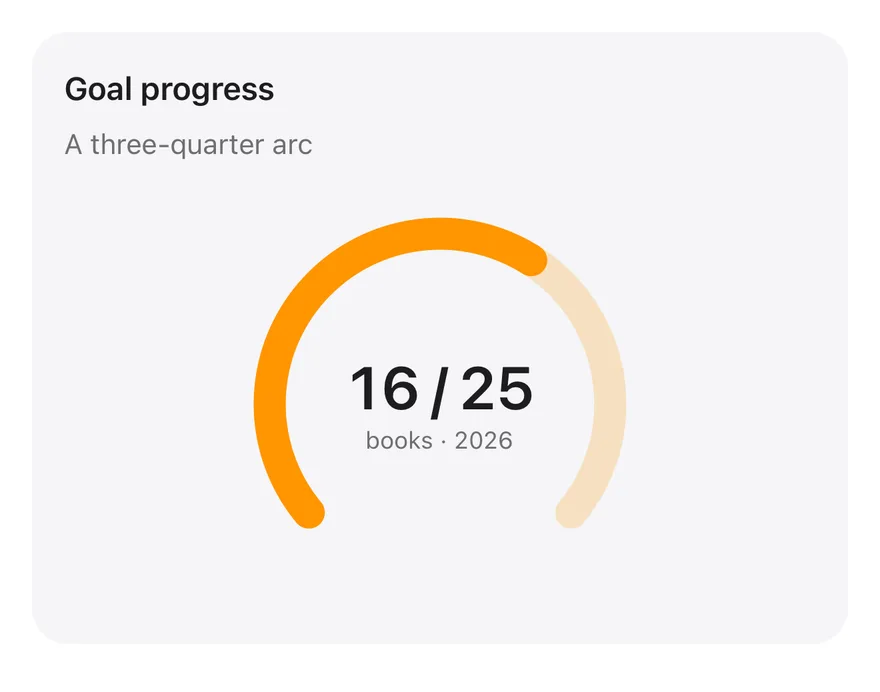
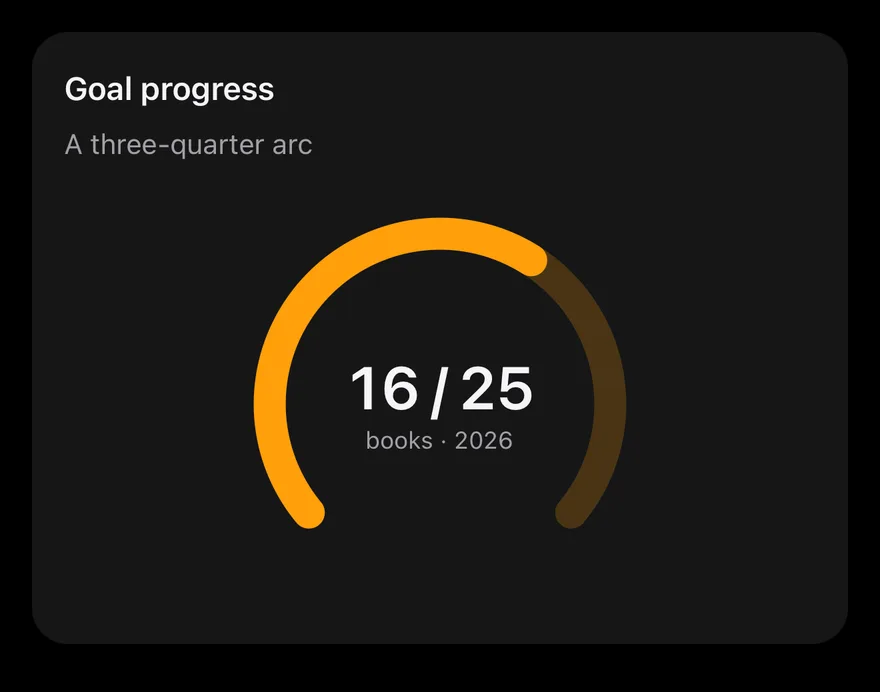
A RadialBarChart drawn from 225 to -45 degrees, with one value on a 0 to 100 PolarAngleAxis over a tinted track. The "16 / 25" count and caption are Text layered in the center. Nothing is interactive.
Installation
The CLI also adds what it builds on: Card, Chart, Text.
Manual
-
Target iOS 17 or later.
-
Copy the theme files every view uses:
- Copy the source and every file it uses:
- Add the files to your app target.
- Set
minSdkto 24 or higher and add the dependencies:
- Copy the theme files every view uses:
- Copy the source and every file it uses:
- Update the
com.esuiss.uipackage names to match your project.
Usage
Change the value in chartData (0 to 100) and the centered text to match it; the label and color live in chartConfig. The component takes no props.