suiss/ui · Chart
Area Chart Axes
A gradient area with visible dots and a value axis on the right edge of the plot.
Area Chart Axes is an open-source chart from suiss/ui for React, React Native, SwiftUI and Jetpack Compose. The @esuiss/ui CLI copies its source into your project, so you own the code.
A single series drawn as a smooth area with a soft gradient fill, a dot at every value and a value axis on the right. Use it when readers need to read exact values off the chart, not just see the trend.
Installation
CLI
Works in any project with a components.json. See Installation for the one-line registry setup. Or use the suiss/ui CLI:
Manual
- Install the dependencies:
-
Copy the source into
components/charts/area-chart-axes.tsx:
- Update the import paths to match your project.
Usage
Swap chartData for your own records, point each dataKey at your fields and set the series label and color in chartConfig. Set orientation on the value axis to move it to the left, and adjust tickCount to make it denser or sparser. Drop the dots if they feel busy on longer series.
Notes
The plot is keyboard accessible: focus it and use the arrow keys to step the tooltip through the months. You can render several copies on one page without their gradients clashing.
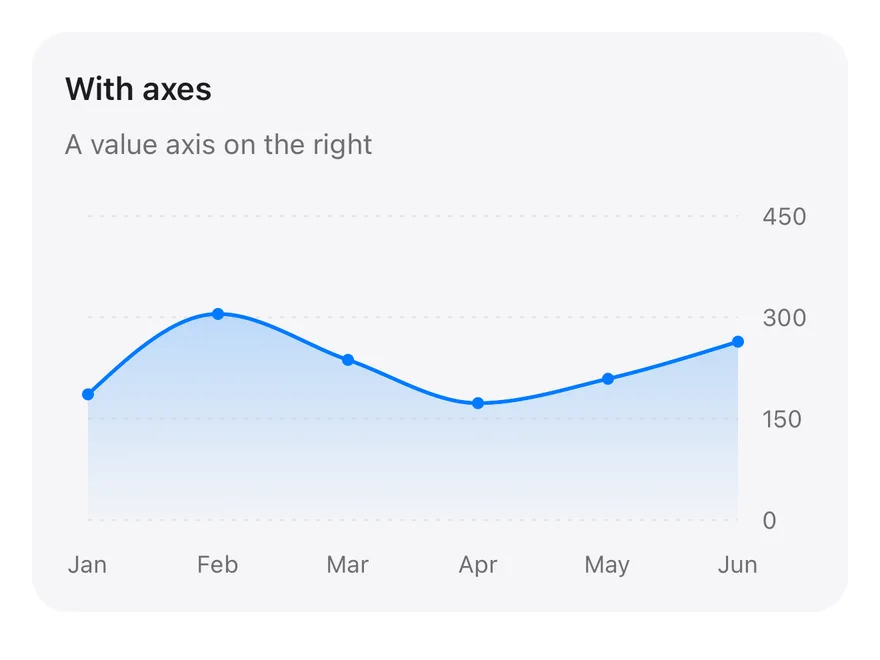
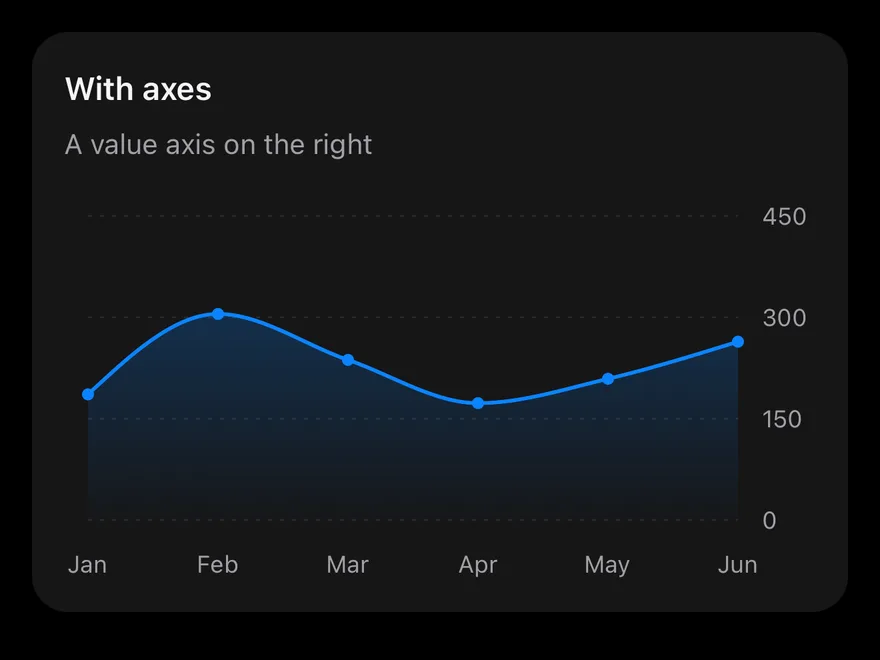
One series drawn as a monotone curve with a fill that fades from top to bottom, a dot on every month, a month axis below and a four-tick value axis on the right. The tooltip follows your finger across the plot.
Installation
The CLI also adds what it builds on: Card, Chart.
Manual
-
Target iOS 17 or later.
-
Copy the theme files every view uses:
- Copy the source and every file it uses:
- Add the files to your app target.
- Set
minSdkto 24 or higher and add the dependencies:
- Copy the theme files every view uses:
- Copy the source and every file it uses:
- Update the
com.esuiss.uipackage names to match your project.
Usage
Replace chartData with your records and change each dataKey to match your fields. Set the label and color in chartConfig, and adjust tickCount on the YAxis to change how many values it shows. The component takes no props.