suiss/ui · Chart
Pie Chart Label
A pie with each category name drawn outside its slice and joined by a leader line.
Pie Chart Label is an open-source chart from suiss/ui for React, React Native, SwiftUI and Jetpack Compose. The @esuiss/ui CLI copies its source into your project, so you own the code.
A pie with each category name printed outside its slice and connected by a leader line. Use it when readers shouldn't have to match colors against a separate legend.
Installation
CLI
Works in any project with a components.json. See Installation for the one-line registry setup. Or use the suiss/ui CLI:
Manual
- Install the dependencies:
-
Copy the source into
components/charts/pie-chart-label.tsx:
- Update the import paths to match your project.
Usage
Replace chartData and the category entries in chartConfig; labels read their text from the config. To print values or percentages instead, change what the custom label renderer returns. Shrink outerRadius if long names get clipped at the edges.
Notes
Outside labels collide when slices are thin, so keep the category count low.
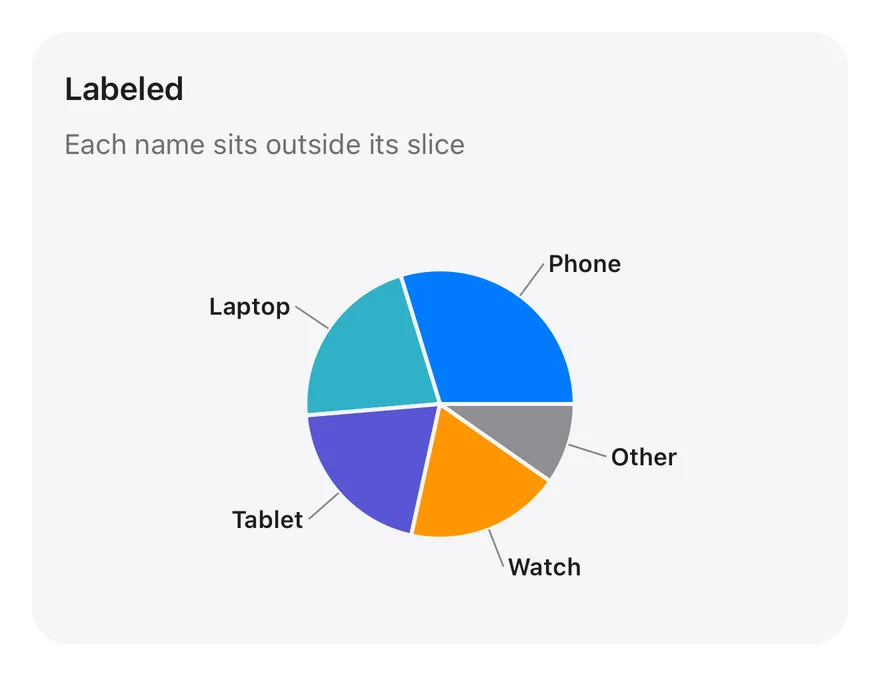
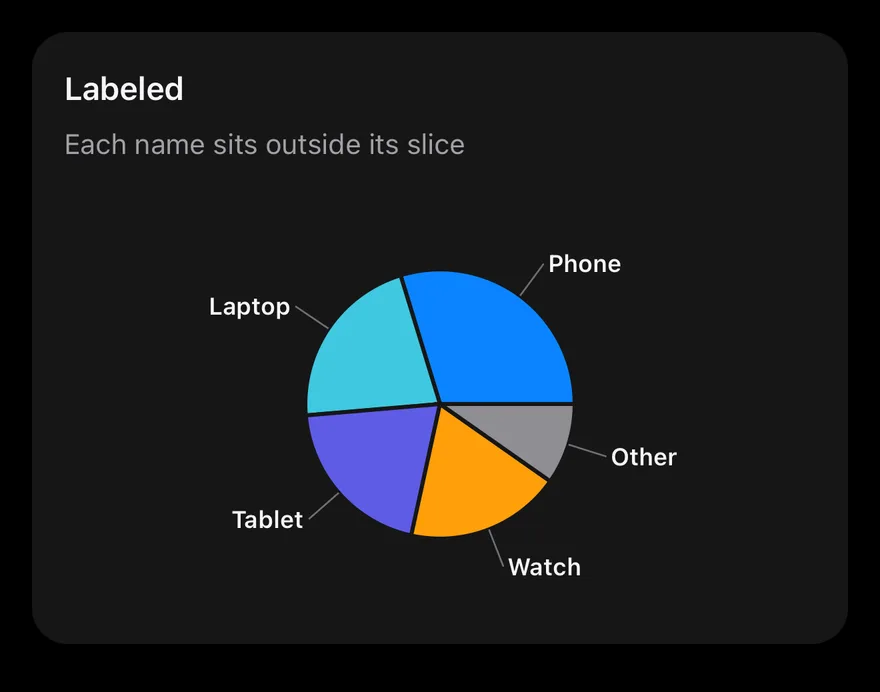
A PieChart with a smaller radius to leave room for labels. chartData holds one record per device with a users count. The label callback reads each slice name from chartConfig, and labelLine draws the connector. Pressing a slice shows a tooltip.
Installation
The CLI also adds what it builds on: Card, Chart.
Manual
-
Target iOS 17 or later.
-
Copy the theme files every view uses:
- Copy the source and every file it uses:
- Add the files to your app target.
- Set
minSdkto 24 or higher and add the dependencies:
- Copy the theme files every view uses:
- Copy the source and every file it uses:
- Update the
com.esuiss.uipackage names to match your project.
Usage
Replace chartData with your records and keep dataKey and nameKey in step with your field names. Add one entry per slice to chartConfig with its label and color; the component takes no props.