suiss/ui · Chart
Radial Chart Batteries
A row of small battery rings, one per device, that turn red when charge is at or below 20%.
Radial Chart Batteries is an open-source chart from suiss/ui for React, React Native, SwiftUI and Jetpack Compose. The @esuiss/ui CLI copies its source into your project, so you own the code.
A row of small battery rings, one per device, that switch from green to red when the charge drops to the low threshold. Use compact rings like these for status at a glance, in widgets, settings pages or device lists.
Installation
CLI
Works in any project with a components.json. See Installation for the one-line registry setup. Or use the suiss/ui CLI:
Manual
- Install the dependencies:
-
Copy the source into
components/charts/radial-chart-batteries.tsx:
- Update the import paths to match your project.
Usage
Replace the devices array with your own names and levels from 0 to 100. Change LOW to move the warning threshold, and edit the two colors in the per-ring config. The letter in each ring is the first character of the name.
Notes
The rings are hidden from assistive technology and have no tooltip; the percentage and name printed under each ring carry the information.
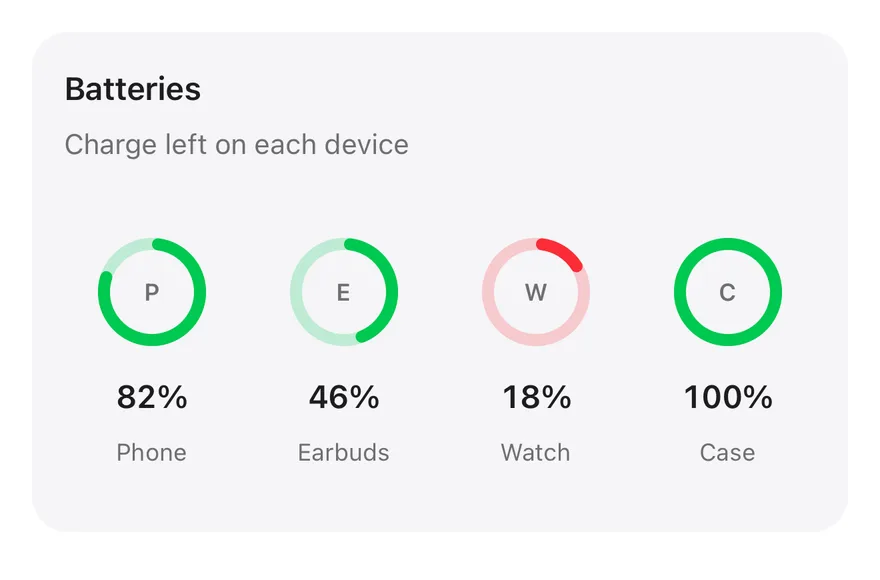
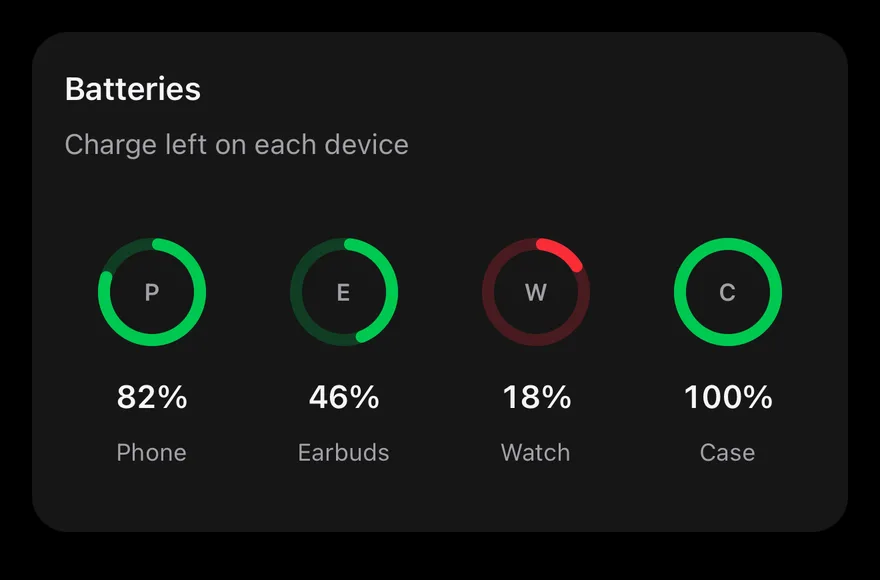
A Card that renders one RadialBarChart ring per entry in devices, each with a level from 0 to 100. A ring turns red at or below LOW (20%) and is green otherwise, with the device initial in the center and its percentage and name below. Each gauge is a single accessible element labeled with name and level. Nothing is interactive. The rings set isAnimationActive={false} and draw without the enter animation.
Installation
The CLI also adds what it builds on: Card, Chart, Text.
Manual
-
Target iOS 17 or later.
-
Copy the theme files every view uses:
- Copy the source and every file it uses:
- Add the files to your app target.
- Set
minSdkto 24 or higher and add the dependencies:
- Copy the theme files every view uses:
- Copy the source and every file it uses:
- Update the
com.esuiss.uipackage names to match your project.
Usage
Replace devices with your names and levels, and change LOW to move the warning threshold. The component takes no props.