suiss/ui · Chart
Bar Chart Labeled
A single bar series with each value printed above its bar and no grid lines.
Bar Chart Labeled is an open-source chart from suiss/ui for React, React Native, SwiftUI and Jetpack Compose. The @esuiss/ui CLI copies its source into your project, so you own the code.
A single bar series with each value printed above its bar and no grid lines. Use it when exact numbers matter and there are few enough bars for the labels to fit.
Installation
CLI
Works in any project with a components.json. See Installation for the one-line registry setup. Or use the suiss/ui CLI:
Manual
- Install the dependencies:
-
Copy the source into
components/charts/bar-chart-labeled.tsx:
- Update the import paths to match your project.
Usage
Replace chartData, set each dataKey and rename the chartConfig entry for the label and color. Move the labels with the position prop on LabelList, for example inside the bar. Increase the chart's top margin if larger labels get clipped.
Notes
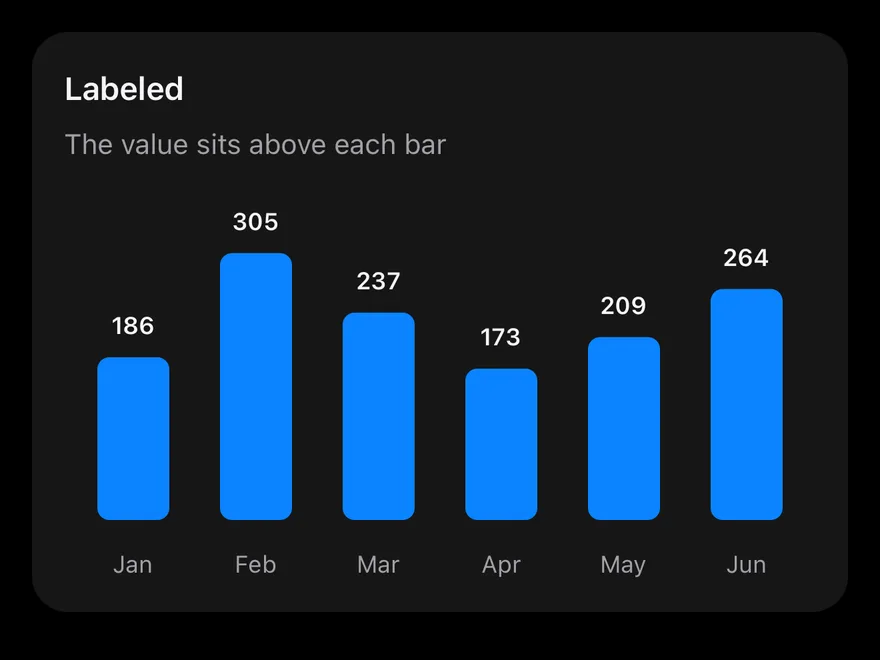
Labels follow the theme's text color in light and dark mode. Focus the chart and use the arrow keys to move between bars.
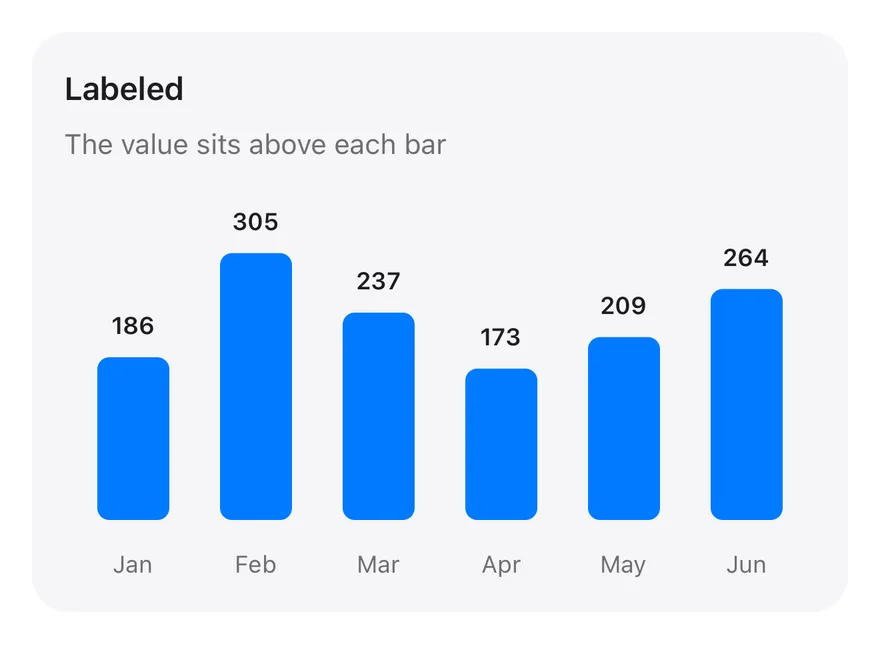
One rounded bar per month with a LabelList placed at the top of each bar, so values are readable without touching the chart. There is no grid; a month axis and a tooltip remain.
Installation
The CLI also adds what it builds on: Card, Chart.
Manual
-
Target iOS 17 or later.
-
Copy the theme files every view uses:
- Copy the source and every file it uses:
- Add the files to your app target.
- Set
minSdkto 24 or higher and add the dependencies:
- Copy the theme files every view uses:
- Copy the source and every file it uses:
- Update the
com.esuiss.uipackage names to match your project.
Usage
Replace chartData with your records and change each dataKey to match your fields. Change position and offset on the LabelList to move the labels. The component takes no props.