suiss/ui · Chart
Radial Chart Label
Concentric radial bars with each category's name printed at the start of its bar.
Radial Chart Label is an open-source chart from suiss/ui for React, React Native, SwiftUI and Jetpack Compose. The @esuiss/ui CLI copies its source into your project, so you own the code.
Concentric radial bars with each category name printed at the start of its bar. Pick it over the default radial chart when you want readers to identify bars without a legend or tooltip.
Installation
CLI
Works in any project with a components.json. See Installation for the one-line registry setup. Or use the suiss/ui CLI:
Manual
- Install the dependencies:
-
Copy the source into
components/charts/radial-chart-label.tsx:
- Update the import paths to match your project.
Usage
Replace chartData and add each category key with its label and color to chartConfig; the bar labels read from there. Change startAngle and endAngle to set how far the longest bar sweeps, and barSize to fit longer names.
Notes
Labels sit inside the bars in a light color, so very short bars may not have room for their name.
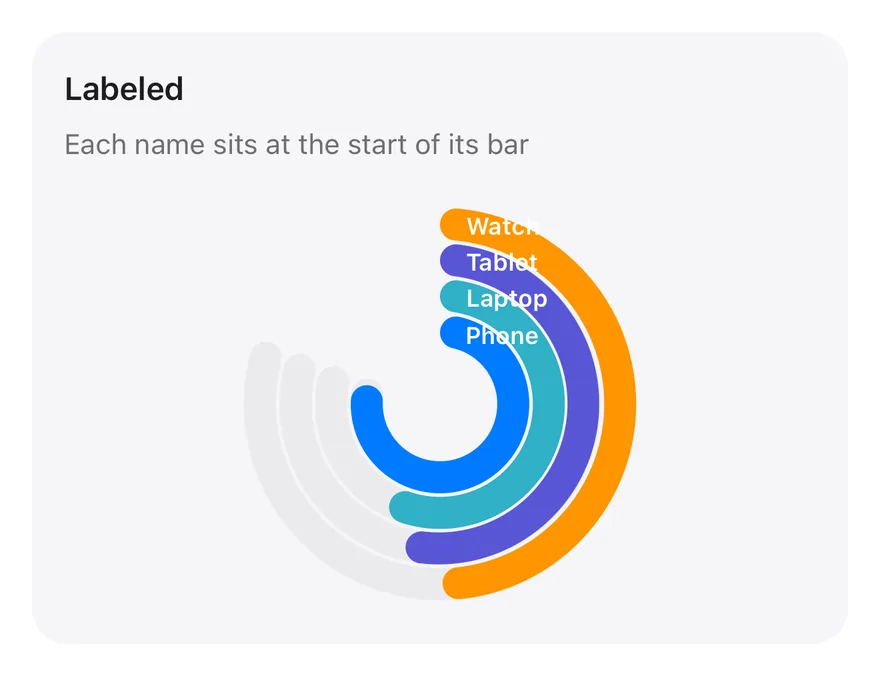
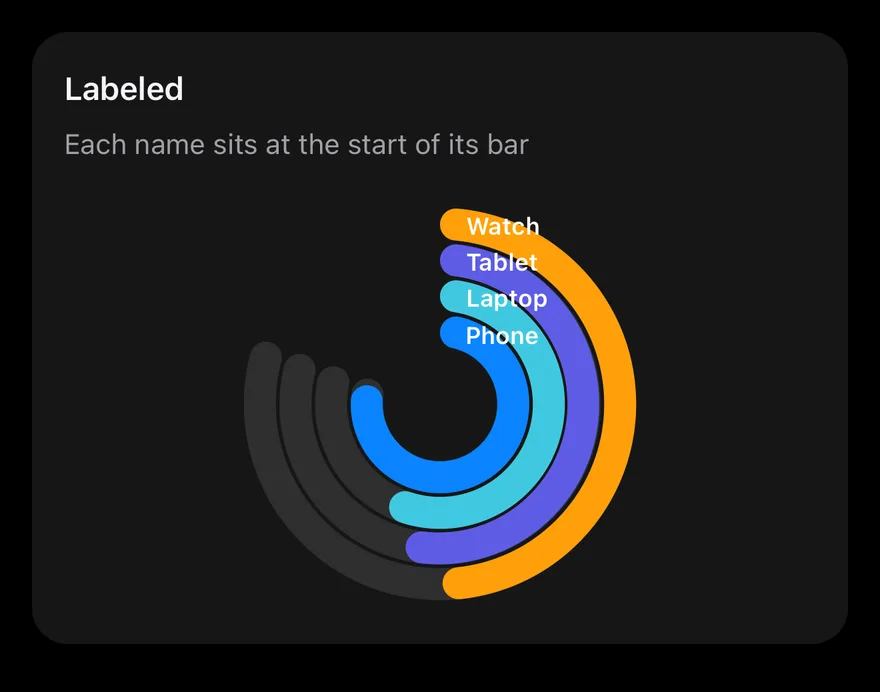
A RadialBarChart with one bar per record in chartData, sweeping from 90 to -200 degrees. Bars are colored through Cell and labeled with a LabelList that reads names from chartConfig. Pressing a bar shows a tooltip.
Installation
The CLI also adds what it builds on: Card, Chart.
Manual
-
Target iOS 17 or later.
-
Add the Swift package to your app:
- Copy the theme files every view uses:
- Copy the source and every file it uses:
- Add the files to your app target.
- Set
minSdkto 24 or higher and add the dependencies:
- Copy the theme files every view uses:
- Copy the source and every file it uses:
- Update the
com.esuiss.uipackage names to match your project.
Usage
Replace chartData with your records and add a matching entry per item to chartConfig, whose colors the Cell children read. The component takes no props.