suiss/ui · Block
Log Activity
An admin activity log grouped by day, with a type filter and expandable before-and-after details.
Log Activity is an open-source block from suiss/ui for React, React Native, SwiftUI and Jetpack Compose. The @esuiss/ui CLI copies its source into your project, so you own the code.
An audit log that groups events by day, each with an icon for its type, the person, the action, the target and a time. Events that changed a value expand to show a before-and-after comparison, and a type filter and Export button sit in the header. It sits in a Sidebar with admin navigation that opens as a sheet from the trigger on mobile. Use it for audit trails, change history or admin activity pages.
Installation
CLI
Works in any project with a components.json. See Installation for the one-line registry setup. Or use the suiss/ui CLI:
Manual
- Install the dependencies:
-
Add the pieces it builds on: Button, Collapsible, Select, Sidebar.
-
Copy the source into
components/blocks/log-activity.tsx:
- Update the import paths to match your project.
Usage
Replace events with entries from your audit log API; each has a day, time, actor, action, target, kind and an optional before-and-after diff. kinds sets each event type's icon and tint, and nav the shell navigation. Give the Export button a handler.
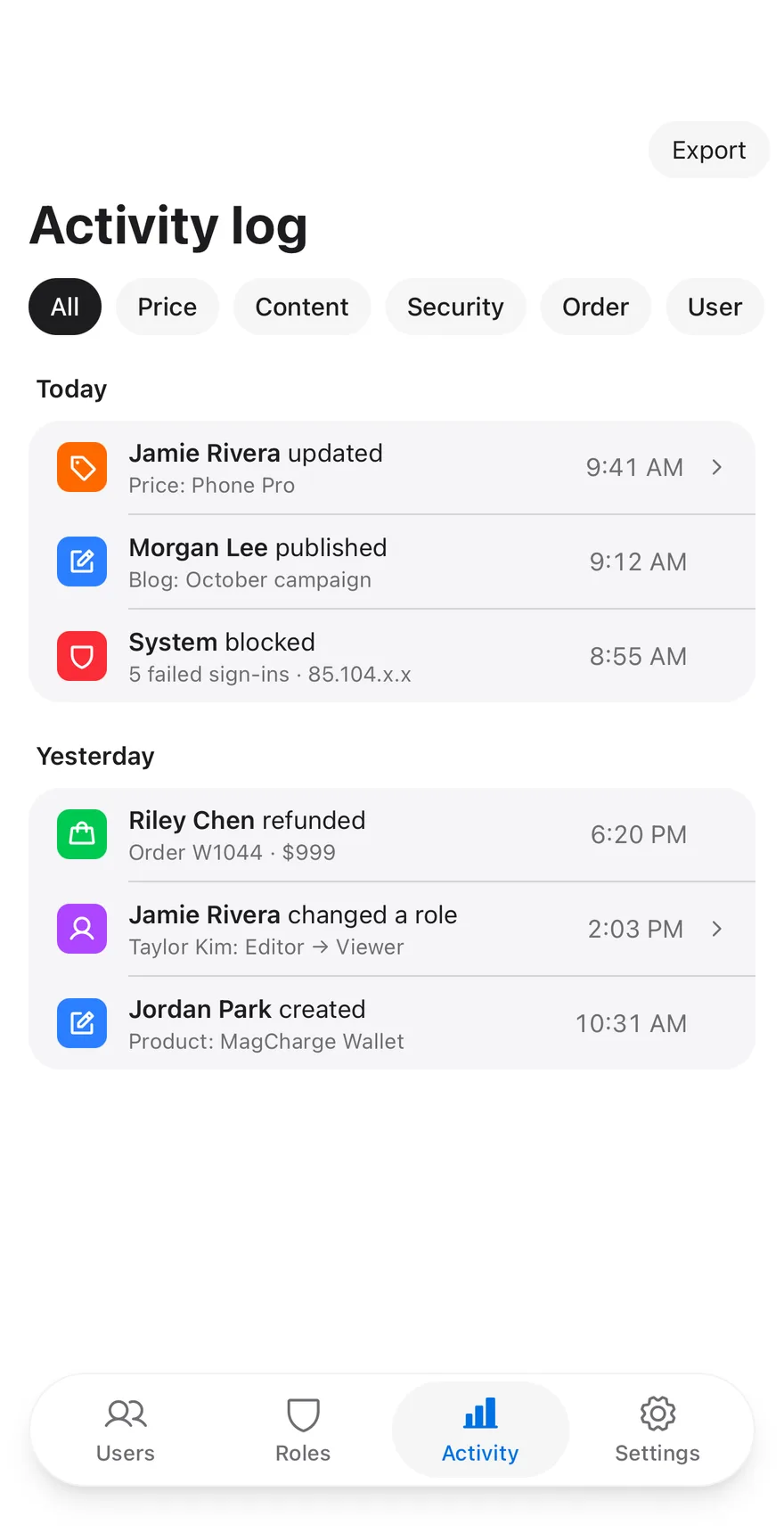
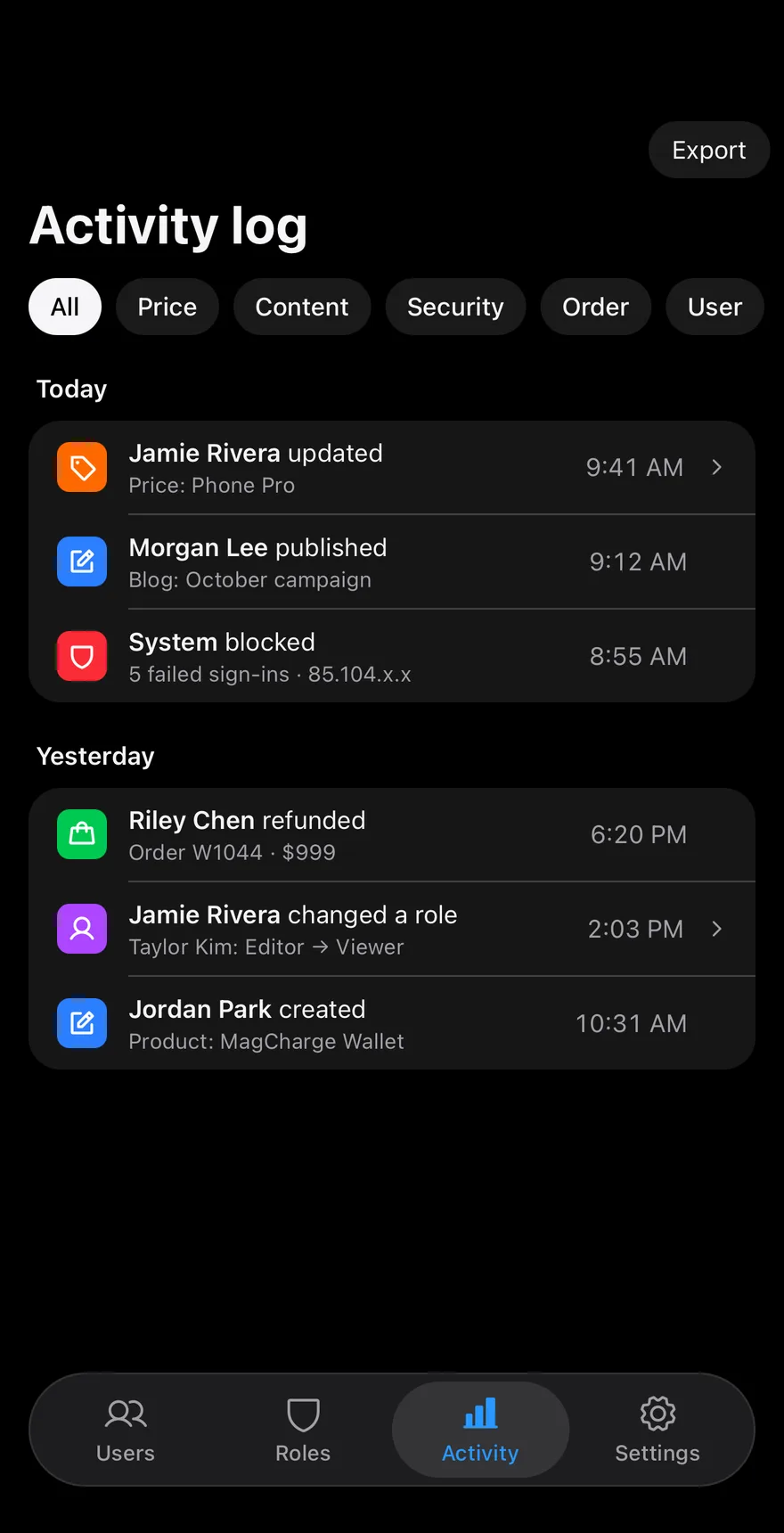
An admin screen with a collapsing Header and large title, a scrollable ChipGroup to filter by event type (Price, Content, Security, Order, User), and events grouped under day headings. Events that carry a change expand with Collapsible to show the before and after values. A TabBar at the bottom switches between Users, Roles, Activity and Settings; only Activity has content in the sample.
Installation
The CLI also adds what it builds on: Button, Chip, Collapsible, Header, Icon, Screen, Tab Bar, Text. On React Native it also adds the animated view components/ui/animated-view.tsx.
Manual
- Install the dependencies:
-
Add the pieces it builds on: Button, Chip, Collapsible, Header, Icon, Screen, Tab Bar, Text, and the animated view
components/ui/animated-view.tsxfrom the next step. -
Copy the animated view into
components/ui/animated-view.tsx:
- Copy the source into
components/blocks/log-activity.tsx:
- Update the import paths to match your project.
- Install the dependencies:
-
Add the pieces it builds on: Button, Chip, Collapsible, Header, Icon, Screen, Tab Bar, Text, and the animated view
components/ui/animated-view.tsxfrom the next step. -
Copy the animated view into
components/ui/animated-view.tsx:
- Copy the source into
components/blocks/log-activity.tsx:
- Update the import paths to match your project.
- Install the dependencies:
-
Add the pieces it builds on: Button, Chip, Collapsible, Header, Icon, Screen, Tab Bar, Text, and the animated view
components/ui/animated-view.tsxfrom the next step. -
Copy the animated view into
components/ui/animated-view.tsx:
- Copy the source into
components/blocks/log-activity.tsx:
- Update the import paths to match your project.
-
Target iOS 17 or later.
-
Add the Swift package to your app:
- Copy the theme files every view uses:
- Copy the source and every file it uses:
- Add the files to your app target.
- Set
minSdkto 24 or higher and add the dependencies:
- Copy the theme files every view uses:
- Copy the source and every file it uses:
- Update the
com.esuiss.uipackage names to match your project.
Usage
Replace EVENTS with your audit log and KINDS with your event types. Wire onFilterChange, onExport (receives the current filter) and onNavigate (receives the selected tab) to your app.