suiss/ui · Block
Price Storage
A cloud storage plan picker with a monthly or yearly toggle, four plan cards, and a switch action.
Price Storage is an open-source block from suiss/ui for React, React Native, SwiftUI and Jetpack Compose. The @esuiss/ui CLI copies its source into your project, so you own the code.
A cloud storage plan picker with a monthly or yearly switch, four plan cards with feature lists and a button that names the selected plan. One card carries a Most popular badge. Cards show one column on mobile, two on tablets and four on large screens. Use it for storage, seat or usage-based pricing.
Installation
CLI
Works in any project with a components.json. See Installation for the one-line registry setup. Or use the suiss/ui CLI:
Manual
- Install the dependencies:
-
Add the pieces it builds on: Button, Label, Radio Group, Toggle Group.
-
Copy the source into
components/blocks/price-storage.tsx:
- Update the import paths to match your project.
Usage
Edit plans; each has a size, monthly price, a list of features and an optional popular flag. Yearly prices are ten times the monthly price to match the 2 months free label, so change both together. Replace the button handler, which only shows a confirmation, with your billing call.
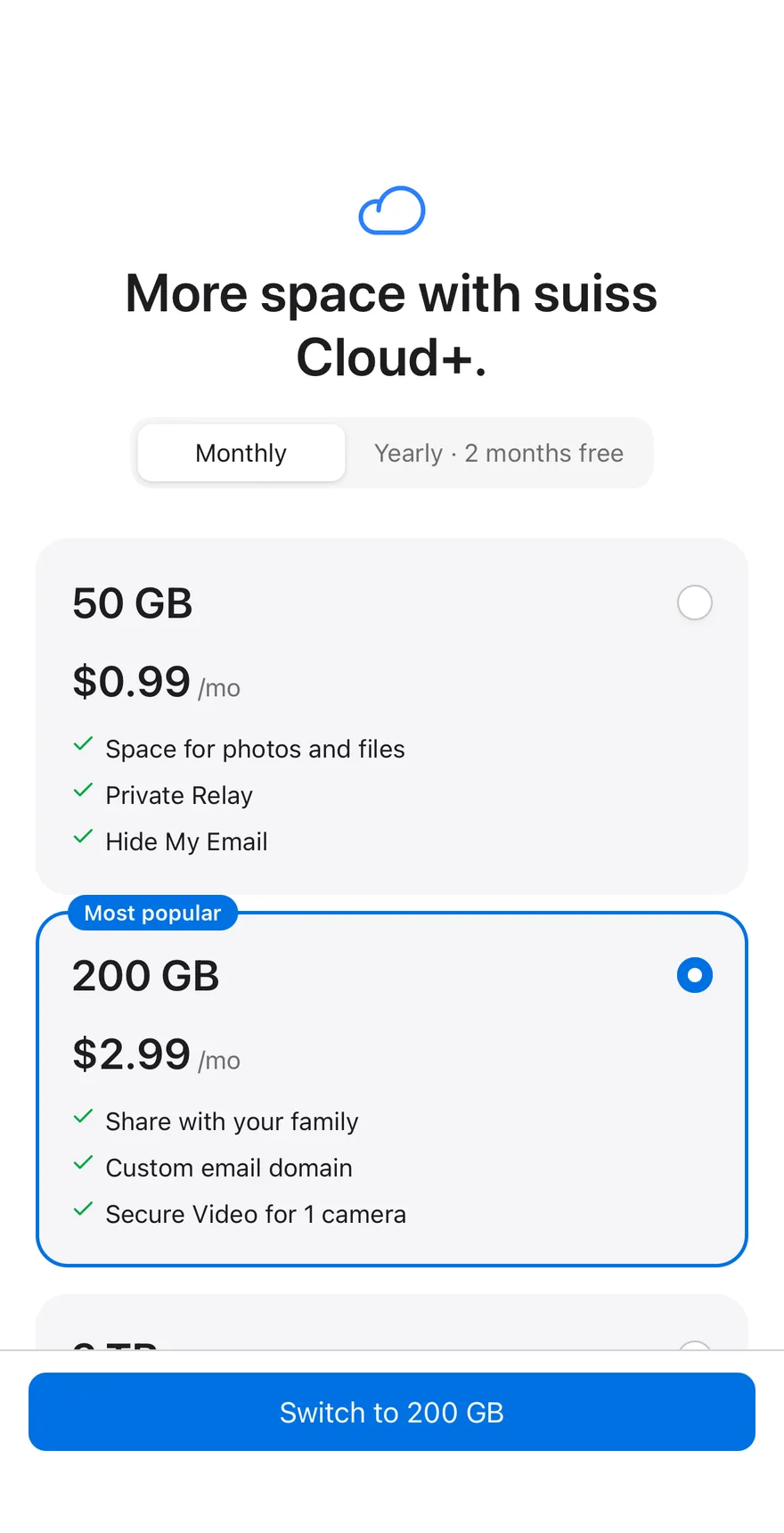
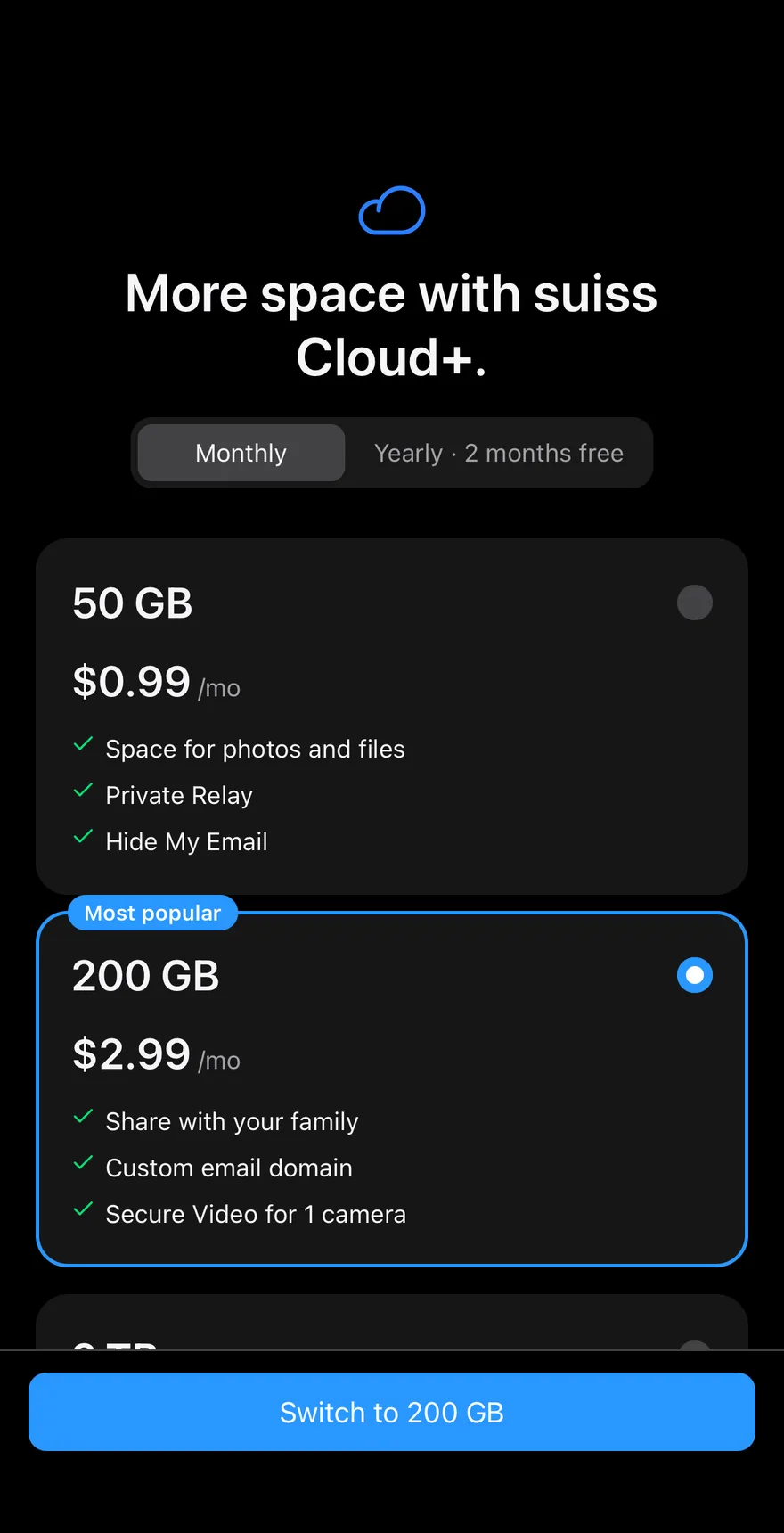
A pricing screen with a ToggleGroup for the billing period and a RadioGroup of plan cards, each with a size, price and feature list. The selected card lifts slightly, and the most popular plan carries a label. Yearly prices show ten months of the monthly price. A BottomBar Button confirms the switch.
Installation
The CLI also adds what it builds on: Bottom Bar, Button, Icon, Radio Group, Screen, Text, Toggle Group. On React Native it also adds the animated view components/ui/animated-view.tsx.
Manual
- Install the dependencies:
-
Add the pieces it builds on: Bottom Bar, Button, Icon, Radio Group, Screen, Text, Toggle Group, and the animated view
components/ui/animated-view.tsxfrom the next step. -
Copy the animated view into
components/ui/animated-view.tsx:
- Copy the source into
components/blocks/price-storage.tsx:
- Update the import paths to match your project.
- Install the dependencies:
-
Add the pieces it builds on: Bottom Bar, Button, Icon, Radio Group, Screen, Text, Toggle Group, and the animated view
components/ui/animated-view.tsxfrom the next step. -
Copy the animated view into
components/ui/animated-view.tsx:
- Copy the source into
components/blocks/price-storage.tsx:
- Update the import paths to match your project.
- Install the dependencies:
-
Add the pieces it builds on: Bottom Bar, Button, Icon, Radio Group, Screen, Text, Toggle Group, and the animated view
components/ui/animated-view.tsxfrom the next step. -
Copy the animated view into
components/ui/animated-view.tsx:
- Copy the source into
components/blocks/price-storage.tsx:
- Update the import paths to match your project.
-
Target iOS 17 or later.
-
Add the Swift package to your app:
- Copy the theme files every view uses:
- Copy the source and every file it uses:
- Add the files to your app target.
- Set
minSdkto 24 or higher and add the dependencies:
- Copy the theme files every view uses:
- Copy the source and every file it uses:
- Update the
com.esuiss.uipackage names to match your project.
Usage
Replace PLANS with your plans. Wire onSelectPlan (receives the size and period) and onPeriodChange to your billing flow.